Acharya's kutir · What your child receives
Everything a good school provides, designed for home
Small batches, live teachers
Never more than 20 children in a batch, the same 20 every day, so the teacher sees every face, asks every child a question, and notices when someone is lost.
A class teacher for every child
One teacher is responsible for the batch all year: attendance, progress, and the conversation with you when something needs attention.
Books shipped to your door
A kit of printed books and materials arrives before classes begin. You can track the parcel from your dashboard.
Screens in six Indian languages
English, Kannada, Tamil, Telugu, Malayalam and Hindi, so parents and grandparents can follow the day on their own screens. Classes are taught in [LANGUAGE OF INSTRUCTION], and English is a subject at every level.
One school, three views
Students, parents and teachers each sign in to a screen built for what they need to do.
Real screens of the app; the names and marks are made up.
See every parent and student screen →
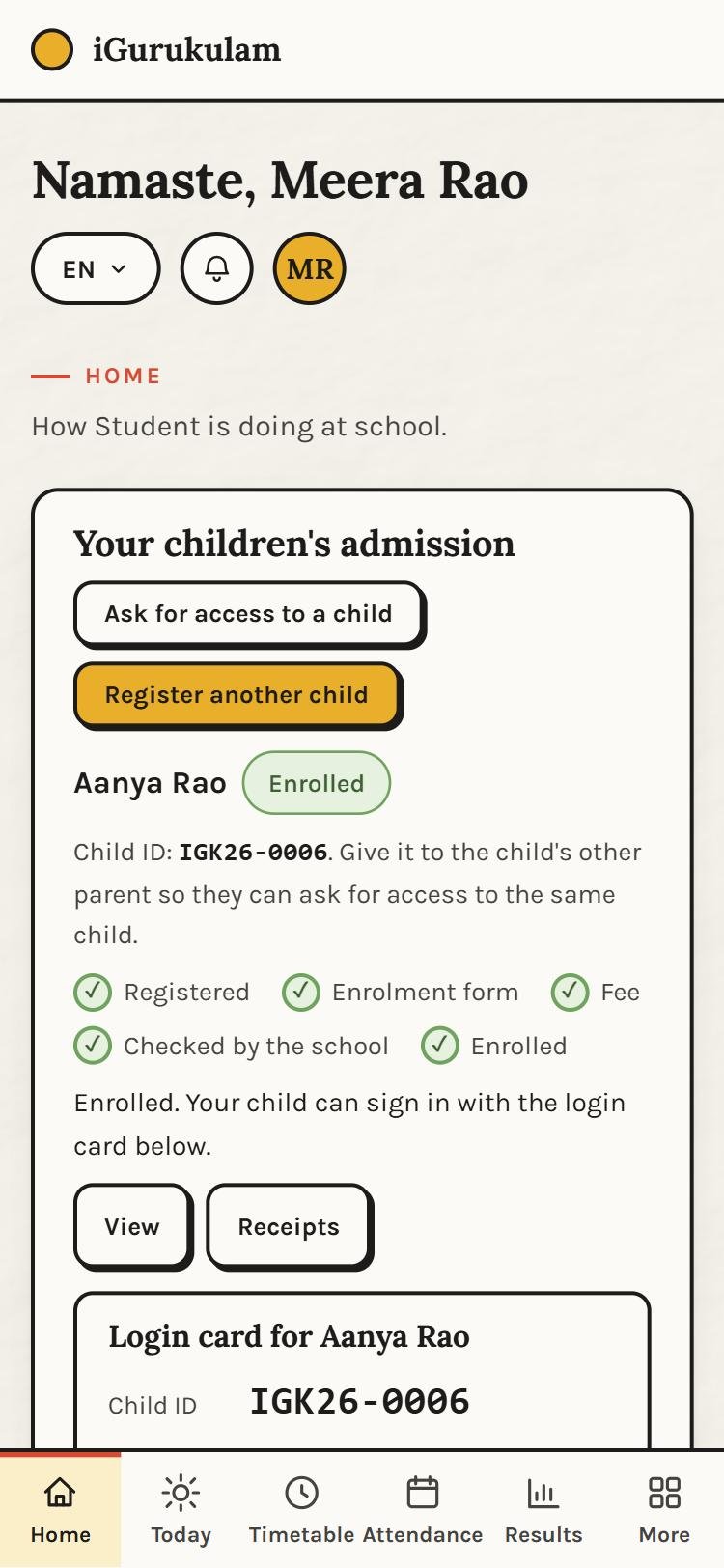
HomeEach child's admission, Child ID and login card, and what needs you 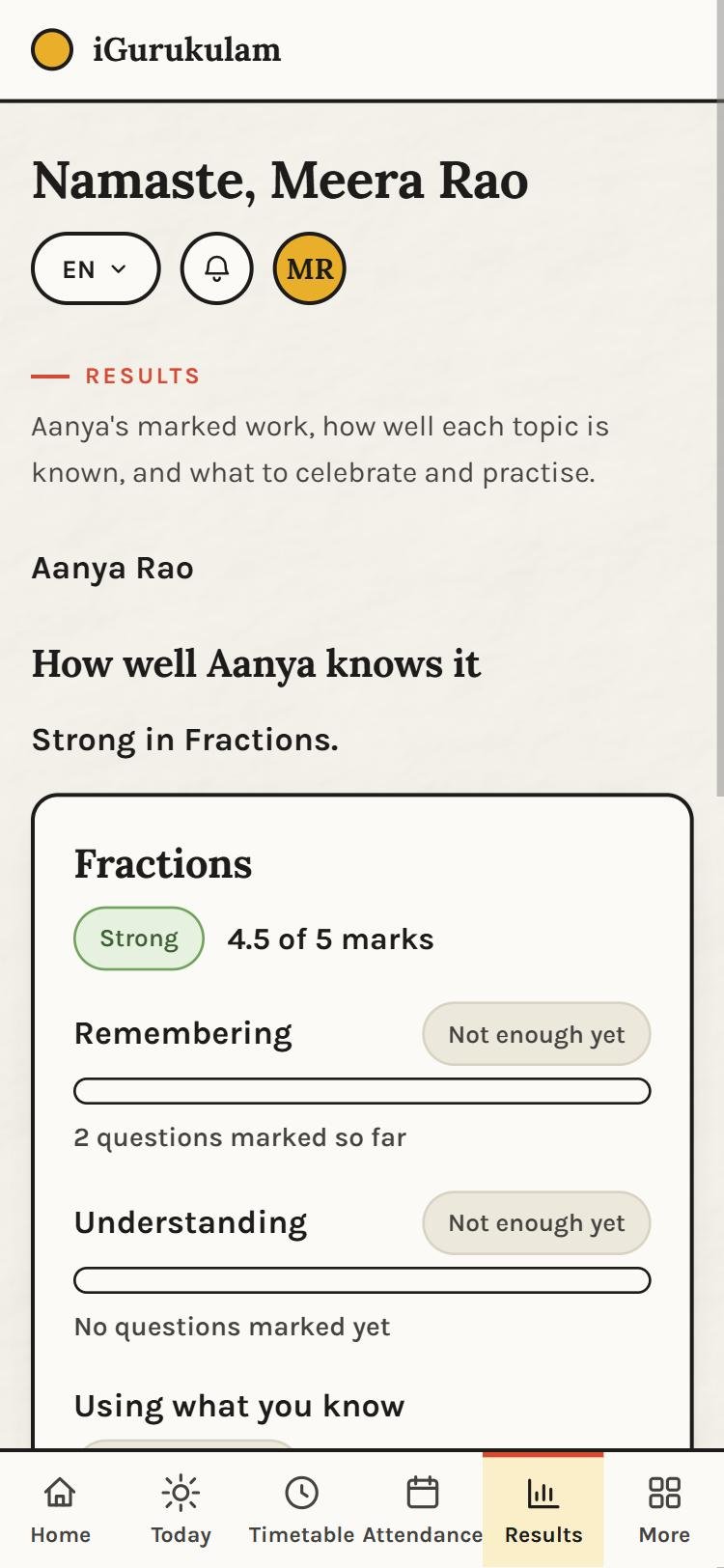
ResultsEvery assignment marked, with the teacher's comment 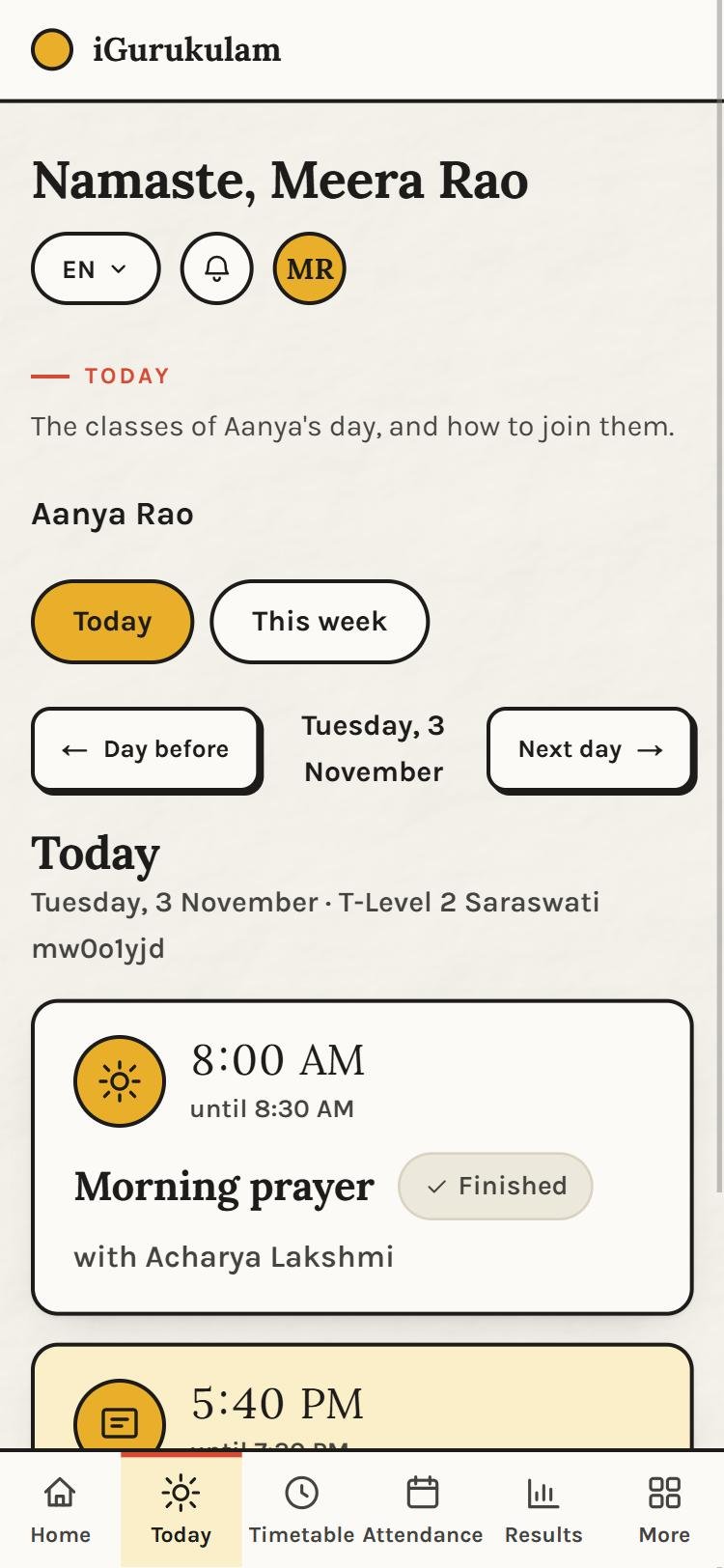
TodayThe child's classes in order, and how to join them
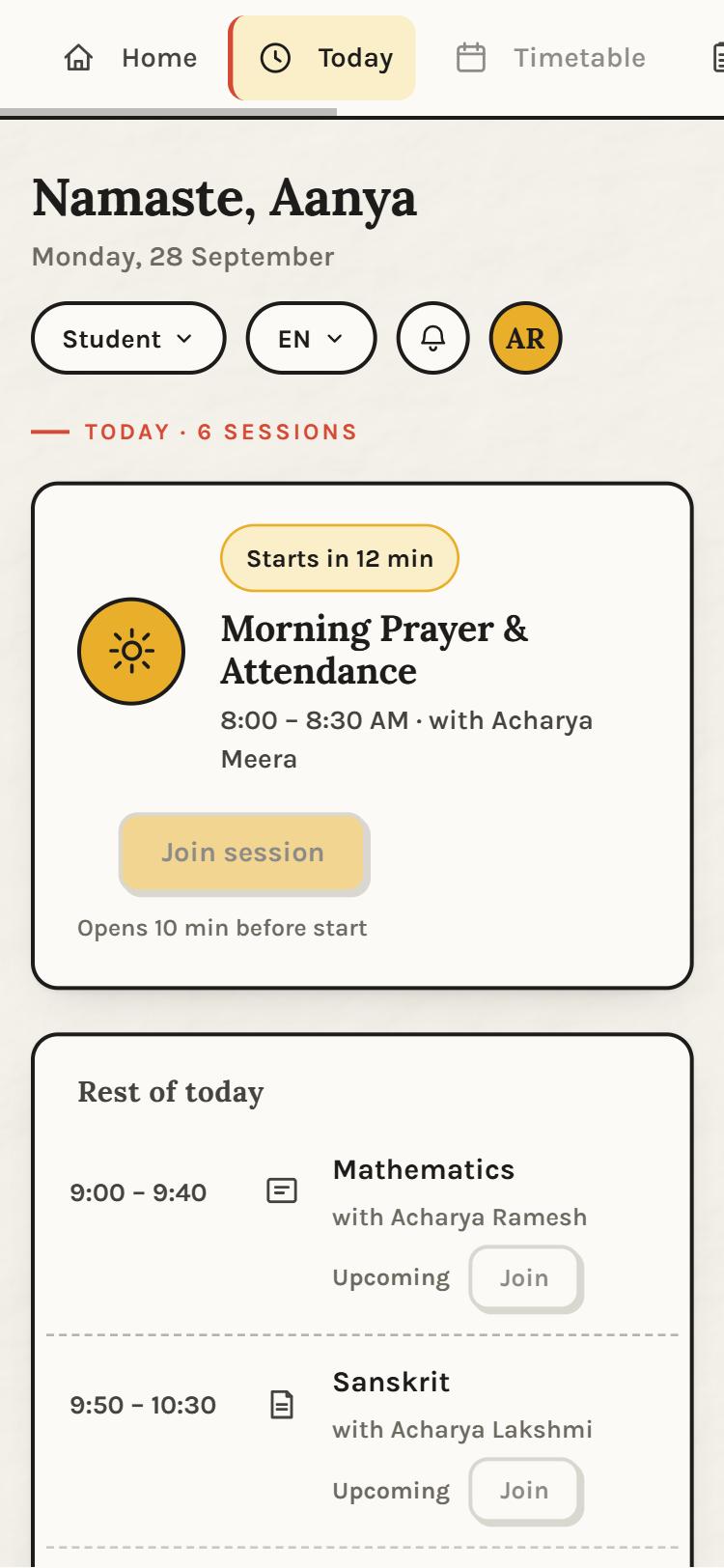
TodayThe timetable, with a Join button on the class that is next 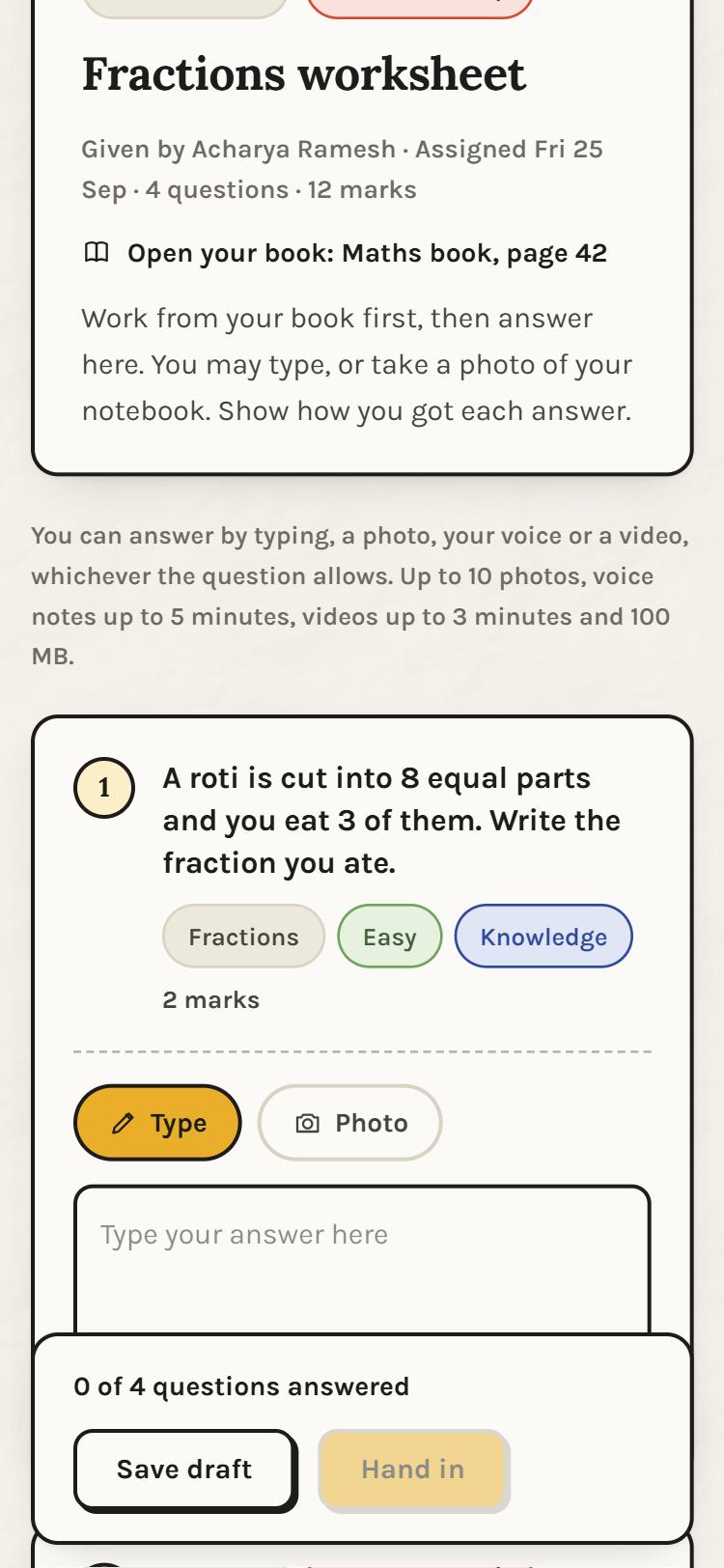
AssignmentsThe page to open in the book, and each question to answer 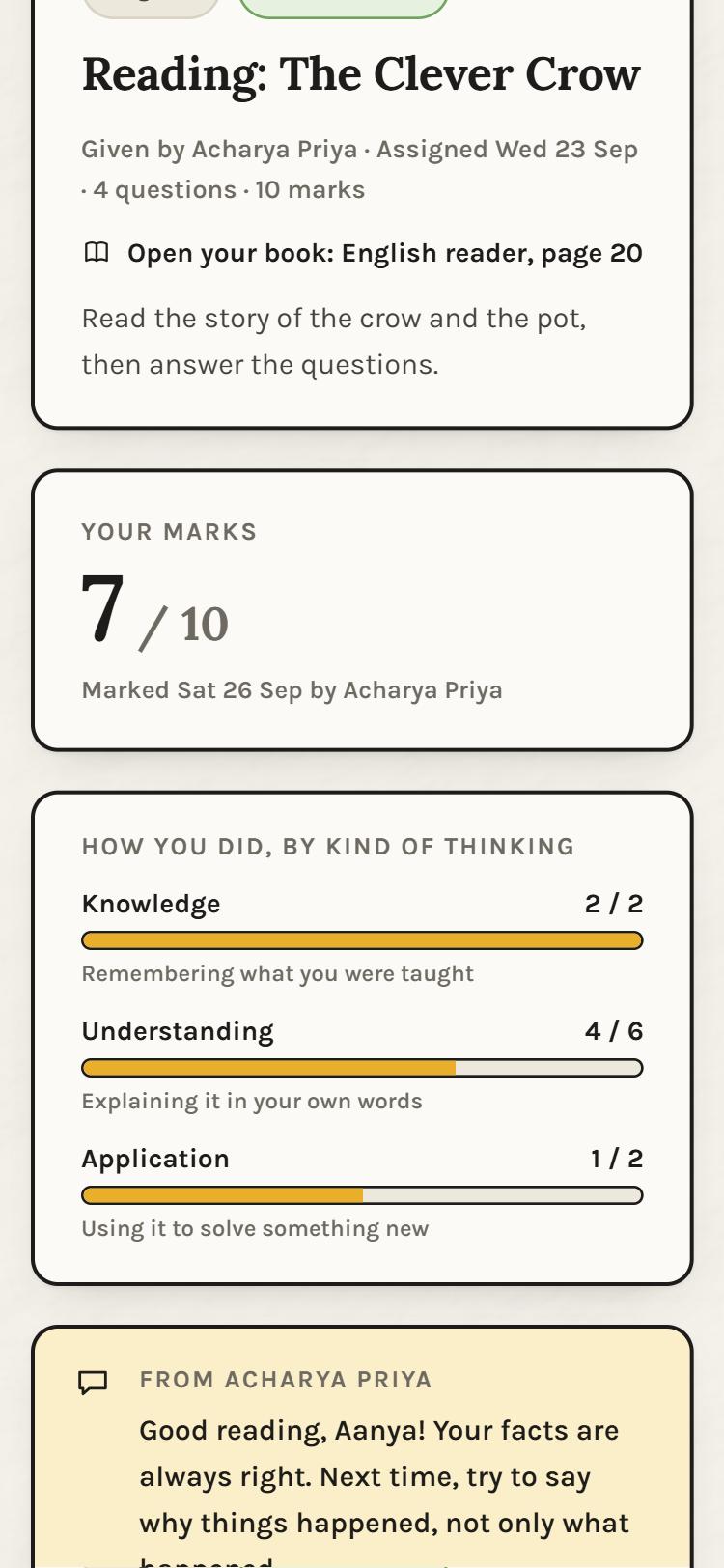
MarksMarks by kind of thinking, with the teacher's comment
Admissions for 2027
Give your child a school day worth waking up for.
Ask us to call you, or begin with an account. Either way, the admission team speaks with you before anything else is asked.